
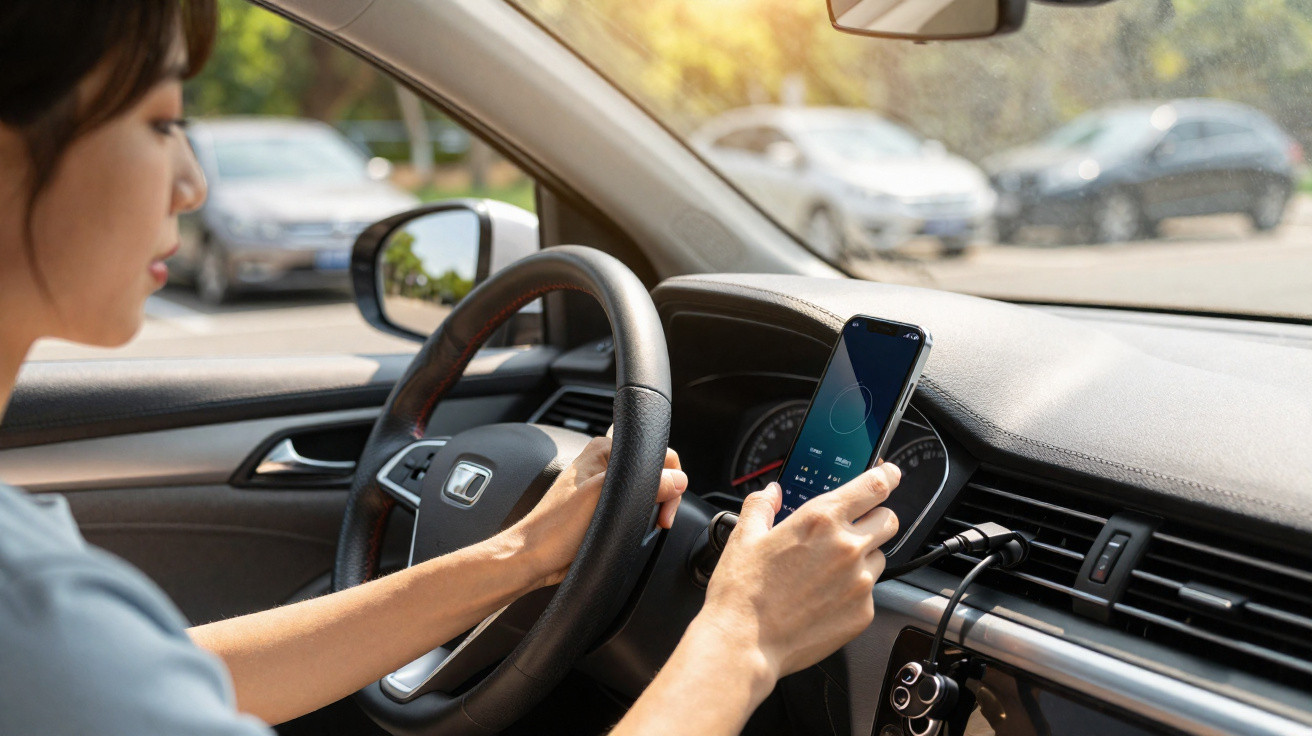
Today, your phone is part of the driving experience. It works as a sat-nav, lets you play music, take calls and, on many models, can even replace the car key. The snag becomes especially obvious in summer: heat.
All it takes is a trip with your phone sitting in direct sunlight, or plugged in while you’re running apps such as Google Maps or Waze, and the temperature can rise quickly.
And although modern smartphones include overheating protection that reduces performance or pauses charging when things get too hot, repeated exposure to high temperatures can speed up battery wear and shorten the device’s overall lifespan.
Fortunately, a few simple habits can help you prevent overheating on the road.
Keep it out of the sun
It may sound obvious, yet it remains one of the most common mistakes. Try not to leave your smartphone in direct sunlight.
If you use your smartphone for navigation, mount it in a proper holder-ideally one that attaches to the car’s air vents.
As well as helping the device shed heat, this is also the only legal way to use it while driving, provided you pair it with a hands-free system. Even so, avoid blasting very cold air conditioning straight onto a device that’s already extremely hot.
Finally, if you use a thick case-silicone or rubber, for instance-taking it off during the journey can also improve heat dissipation.
Avoid fast charging
Charging is one of the main sources of heat in a smartphone. In general, the higher the charging power, the more heat is produced.
If your smartphone offers the option, go into the battery settings and switch charging from “fast” to “normal” on long journeys. It will charge more slowly, but the battery will run noticeably cooler.
Also, whenever you can, choose wired charging rather than wireless charging, which typically generates more heat, and avoid using fast charging when you don’t need it.
Close apps
Before you set off, shut down any apps you won’t be using that are running in the background-especially games and social media. That way, the smartphone can focus its resources on essentials like navigation.
Another approach is to download maps in advance for offline use. This reduces how often the phone needs to rely on mobile data to load map tiles and calculate routes. In areas with weak signal, it can lower power consumption and, as a result, reduce device heating.
Choose a wired connection
If your car supports Android Auto or Apple CarPlay via cable, it’s usually more stable and more energy-efficient than going wireless, which forces the smartphone to keep both Wi‑Fi and Bluetooth active at the same time. A good-quality cable can also help minimise energy losses while charging.
What should you do if your phone overheats?
If you still get a high-temperature warning or charging stops by itself, start by moving the phone out of direct sunlight and stopping the charge. Next, put it somewhere cool and well ventilated, and let it cool down naturally before using it again.
While it’s not exactly practical in a car to put your smartphone in the fridge or against ice, it’s worth being clear: don’t do it. A sudden temperature change can cause condensation inside the device and lead to permanent damage-often worse than the overheating itself.


Comments
No comments yet. Be the first to comment!
Leave a Comment