
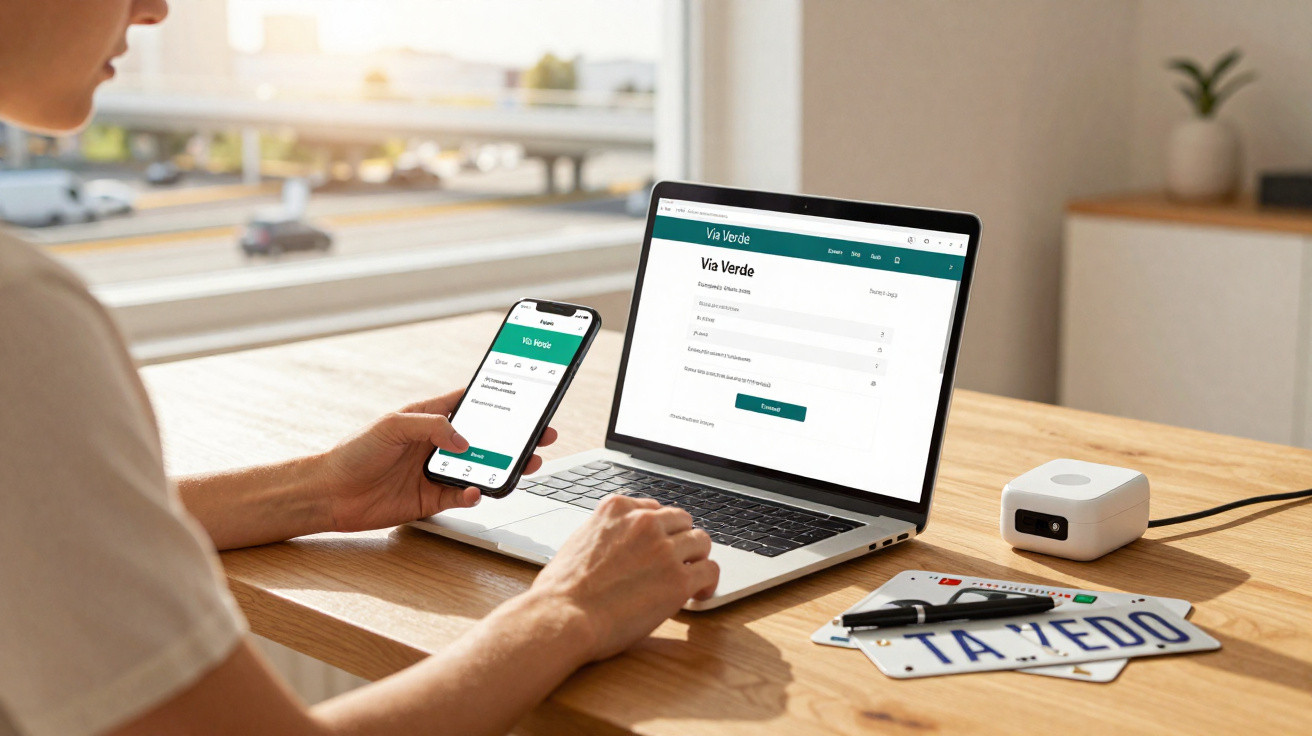
We have already covered what to do if you accidentally drive through a Via Verde lane, so today we are returning to this system, first introduced in 1991. This time, the focus is on explaining how you can change the registration plate linked to your account.
It may sound surprising, but you do not need multiple identifiers to use Via Verde in more than one vehicle. The same applies if you sell the car that was linked to your Via Verde identifier - you do not have to buy or rent another identifier.
That flexibility exists because Via Verde allows you to replace the registration plate associated with your account. Below, you will find the three ways to make that change and what the process looks like from start to finish.
Why change the registration plate on Via Verde?
Updating the registration plate is what lets you keep using the same Via Verde identifier when you change vehicles or stop using the previous one. In other words, the identifier stays the same, and the vehicle details attached to it are what get updated.
Changing the Via Verde registration plate from home
As you would expect today, you can change your Via Verde registration plate remotely, either through the Via Verde website or the mobile app. Typically, this is the quickest and simplest option, as it can be done from your private area (after registration) by editing the registration plate tied to a specific identifier.
How to do it on the Via Verde website or app
To update the details, follow these steps:
- Log in to the Via Verde website or app;
- Go to the “Account Details” section;
- Select “Vehicles and Identifiers”;
- Choose “Update details” for the identifier whose registration plate you want to change;
- Edit the vehicle details linked to the identifier. Here you must update: the vehicle name (a label you choose so it is easier to recognise in your Via Verde account), the registration plate, the last five digits of the chassis number, the make and model, and the type of insurance for the vehicle.
Fees, confirmation time and temporary suspension
This procedure is completely free and can be done at any time, with no limit on how many times you can change the registration plate. Normally, the update is confirmed in about an hour, although it may take up to 24 hours. Until it is confirmed, you cannot use the Via Verde system.
When you make the change remotely, you can also request that proof of the updates is posted to you, along with an adhesive strip to attach the identifier to the newly registered vehicle.
Finally, there is another way to change the Via Verde registration plate without leaving home: by phone. To do so, call 210 730 300 or 707 500 900.
…or changing it in person at a Via Verde shop
The third option is the most traditional and does require a trip out: making the change at a Via Verde shop.
In this case, rather than handling the full process yourself on a computer or smartphone, a member of staff will update the registration plate linked to the identifier. You simply need to provide your personal details and the contract information.
Sources: e-Konomista, eportugal.gov.pt.






Comments
No comments yet. Be the first to comment!
Leave a Comment